
Avoid MFA Misconfigurations: Protect Your Business
Cybersecurity, Multi‑Factor Authentication
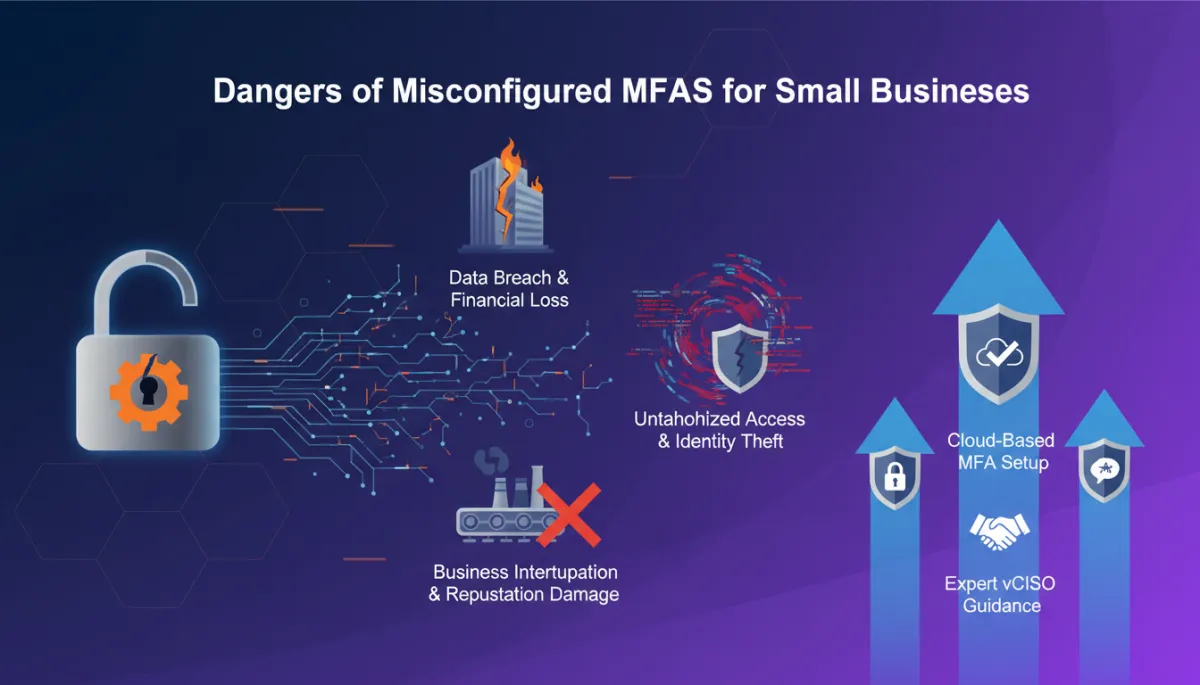
The Hidden Dangers of Misconfigured MFA for Small Businesses
Multi‑factor authentication (MFA) is often seen as a security silver bullet. But when it’s misconfigured, it can create a false sense of safety and open the door to costly breaches for small and medium‑sized businesses. The tools might be in place, but if they’re not set up thoughtfully, they can lull you into thinking you’re protected when you’re not.
📌 Key Takeaway:MFA is only as strong as its configuration and your team’s habits around using it. Treat it as a security program, not just a checkbox.
Three Dangers of Misconfigured MFA
When MFA is turned on but not thoughtfully enforced, it can introduce new risks instead of closing old ones. Below are three common pitfalls that small businesses run into—often without realizing it until after an incident.
Bypassable prompts: If users can click “skip for now” or only use SMS, attackers can still break in with stolen passwords or SIM swaps. In practice, this means someone who has guessed or purchased a password on the dark web may only need one more weak link—like a text message—to walk right in.
Inconsistent coverage: MFA on email, but not on remote access, finance apps, or cloud storage leaves high‑value systems exposed. Attackers will always go after the path of least resistance, not the system you feel best about.
Fatigued approvals: Poorly tuned MFA sends constant prompts, training staff to approve blindly—exactly what criminals rely on. Over time, those pop‑ups become background noise, and a single careless tap can approve an attacker’s login.
“We had MFA, but it was easy to skip and sent way too many prompts. Once we tightened the settings, the noise dropped and people started paying attention again.”
— Operations Director, 40‑person professional services firm
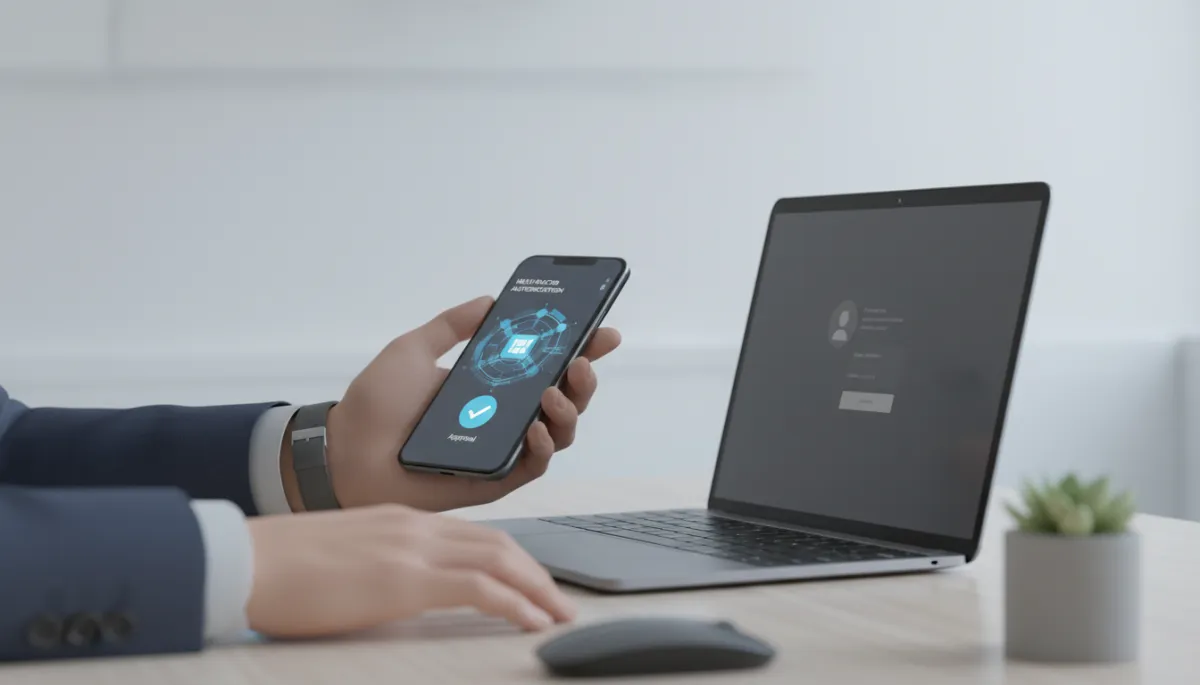
Clean, predictable MFA prompts help staff spot suspicious access requests.
💡 Pro Tip: Review your sign‑in logs regularly. If you see lots of denied or repeated MFA prompts, that’s a sign your users are being targeted—or are overwhelmed by noisy alerts.
Three Quick Fixes to Strengthen Your MFA
The good news is that you don’t need a huge budget or a dedicated security team to make MFA work well. With a few focused changes, you can dramatically improve protection and make things easier for your staff at the same time.
Standardize methods: Prefer app‑based authenticators or hardware keys over SMS wherever possible. These methods are harder to intercept, more reliable when people travel, and usually faster for employees once they’re set up.
Protect critical systems first: Enforce MFA on email, finance, HR, remote access, and admin accounts with no exceptions. Think in terms of “if this account is compromised, what could someone do?” and start with your highest‑impact answers.
Tune alerts and train staff: Reduce unnecessary prompts and teach employees to reject unexpected requests immediately. A short, plain‑language training session—paired with clear examples of what “normal” looks like—goes a long way.
⚠️ Warning: Avoid “MFA exceptions” for executives or busy staff. Attackers know those accounts are the most valuable and will happily exploit any shortcut you create.
If you’re unsure how your MFA is configured—or whether it truly protects your business—consider speaking with a virtual CISO (vCISO). They can help you understand your real risk, prioritize fixes, and turn MFA into a reliable layer of defense instead of a weak link. A good vCISO will translate the technical details into clear decisions, so you know exactly where you’re exposed, what to change, and how to roll those changes out without disrupting your team.
You don’t need perfect security to be safer than most businesses your size—you just need MFA that’s configured thoughtfully, monitored regularly, and backed by simple, consistent guidance for your people.